0/0

Height:

(in cm)

GapX

GapY

E Shram Card Crop and Print Online

Crop and print your E Shram (UAN) card PDF easily with this free online E Shram Card Crop tool.

Upload or Drop E Shram Card PDF here

Supported formats: PDF

100% private — your photos are processed in your browser and never sent to any server.

How to Crop E Shram Card Online

  • Drag and drop or upload E Shram card PDF(s) securely
  • Use the Crop tool to select the exact printing area
  • Click Save after cropping to confirm the changes
  • Click the Print button to print the cropped E Shram card
  • Set the margin to none under More settings for precise printing
  • Ideal for CSC centers and cyber cafés processing labor card requests
  • Everything is processed within your browser; zero server interaction

E Shram Card Crop and Print Online | PrintSahyogi

E Shram (UAN) cards often come as PDFs needing cropping before printing. PrintSahyogi's E Shram Card Crop Tool helps you crop front and back sides and print them in A4 or 4x6 format quickly.

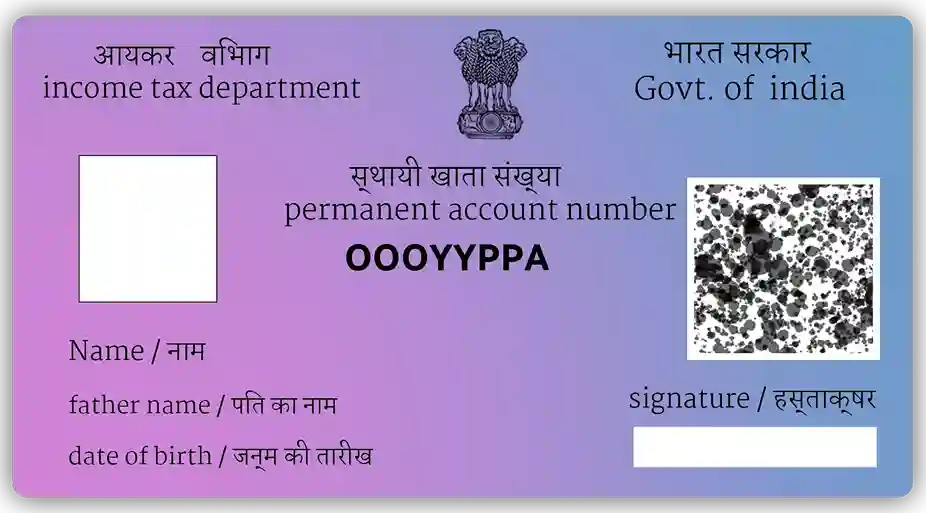
Why use this E Shram Card Crop Tool?

  • ✔ Instant cropping for E Shram ID cards.
  • ✔ Works offline for data safety.
  • ✔ Easy tool for CSC owners and cyber cafés handling labor scheme documents.

How to use E Shram Card Crop Tool

  1. Upload E Shram card PDF.
  2. Front and back will be auto-cropped.
  3. Adjust crop area manually if needed.
  4. Click Print and set margins to 'None'.

Use cases for E Shram Card Crop Tool

  • CSC centers printing E Shram ID cards.
  • Individuals keeping physical card copies.
  • Cyber cafés offering labor card prints.

FAQs